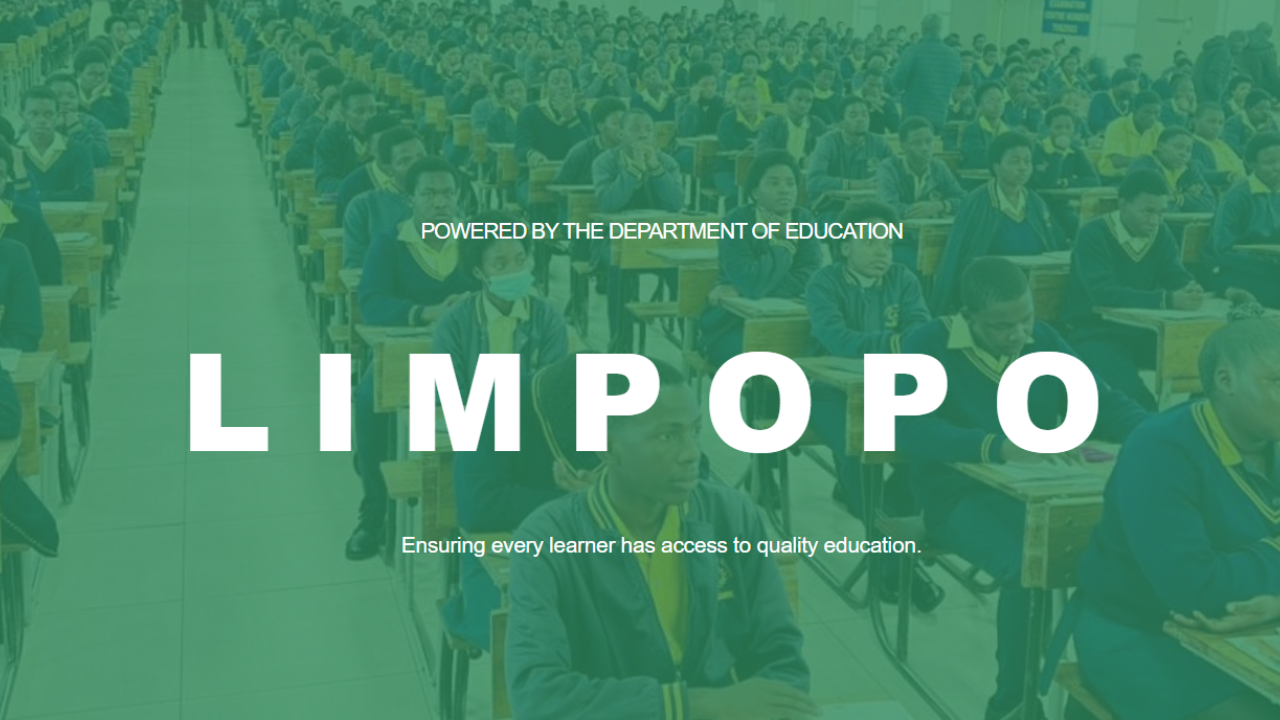
admissions.edu.limpopo.gov.za is the official online portal used by the Limpopo Department of Education (LDoE) to manage Grade R, Grade 1, and Grade 8 school applications for the 2027 academic year. Parents and guardians register a profile on the portal, capture the learner’s details, and select preferred schools — all without visiting a school in person. Applications for the 2027 intake opened on 27 July 2026 and close on 31 August 2026.
This guide walks you through exactly what the portal is for, who needs to use it, what documents to prepare, and how to register — using information published directly on the official site.
Read also: SANSA Postgraduate Bursaries 2027: Requirements, Funding Amounts and How to Apply
What Is Admissions.edu.limpopo.gov.za?
Admissions.edu.limpopo.gov.za is the Limpopo Online Admissions system, described on the platform itself as the Limpopo DoE Parent/Guardian Application Portal, built to make applying to schools simple by guiding parents through every step of the admissions process. It is powered by the Department of Education Limpopo and positioned around three core promises: Simple, Fair, and Transparent admissions.
Through the portal, parents can submit applications, track progress, and receive placement updates in one place, replacing the old system of queuing at schools or submitting paper forms.
Who Needs to Apply?
The portal is used for South Africa’s standard entry-point grades. According to recent coverage of the 2027 intake, parents or guardians must apply if their child is entering Grade R, Grade 1, or Grade 8 in the 2027 academic year — with Grade R and Grade 1 applications generally covering children entering the Foundation Phase, while Grade 8 applications are for learners moving from primary school to secondary school.
If your child falls into any of these entry grades for 2027, you are expected to apply through the portal rather than directly at a school.
Key Dates for the 2027 Intake
| Milestone | Date |
|---|---|
| Applications open | 27 July 2026 |
| Applications close | 31 August 2026 |
The homepage itself displays a live countdown confirming that the system will close for applications on 31 August 2026. Applying early is strongly advised: applying early may reduce the risk of technical problems or delays close to the deadline, and applications submitted after the closing date may be treated as late applications, with placement depending on the availability of space at the selected schools.
How to Register and Apply (Step by Step)
- Go to the registration page. Create your parent/guardian account at admissions.edu.limpopo.gov.za/Identity/Account/RegisterV2.
- Choose the correct account type. The Department publishes separate how-to guides depending on your status: South African/permanent resident citizen, non-South African citizen, or non-documented South African citizen.
- Complete your parent/guardian profile with your ID and contact details.
- Register the learner using the matching “Registering a New Learner” guide for your citizenship category (Grade 8 guides are published specifically for this intake).
- Select your preferred schools. You can list more than one school to improve placement chances — applicants are encouraged to select multiple preferred schools to improve their chances of placement, with schools considered based on availability and admissions criteria.
- Submit and track your application by logging back into the portal.
- Respond promptly to any placement offer. Parents should keep checking SMS, email, and their online profile, since failure to respond to a placement offer within the required time may delay or affect the learner’s placement.
Documents You Will Need
Before you start, have certified copies of the following ready, as outlined on the official FAQ:
- The learner’s birth certificate
- The parent/guardian’s ID
- Proof of residence
- Any additional documents specific to your selected schools
Parents should prepare before the opening date by scanning or photographing all supporting documents clearly, since these will need to be uploaded during registration rather than submitted in person.
Can You Update or Track Your Application?
Yes. The portal allows changes while the window is open — you may update your application within the application period, though once the application window closes, changes may no longer be allowed. You’ll also receive updates through the portal and via SMS or email notifications, and can log in at any time to track your application status.
Official Policy Documents and How-To Guides
The Limpopo DoE has published the following resources directly on the portal for parents who want more detail before applying:
Policies & Regulations
- Limpopo Admissions Circular
- Admission Policy for Public Schools (Notice 2432 of 1998)
- South African Schools Act (Act 84 of 1996)
How-To Guides
- How to Create a Parent/Guardian Account (South African/Permanent Citizen)
- How to Create a Parent/Guardian Account (Non-South African Citizen)
- How to Create a Parent/Guardian Account (Non-Documented SA Citizen)
- Registering a New Learner – South African/Permanent Resident (Grade 8)
- Registering a New Learner – Non-SA Citizen (Grade 8)
- Registering a New Learner – Non-Documented SA Citizen (Grade 8)
These are all downloadable directly from the portal’s homepage.
Getting Help If You’re Stuck
If you need assistance, the Department notes that support is available through the contact centre and designated help points, and parents can also use the “Contact Us” option on the portal for assistance. For parents without internet access, LDoE has also been running province-wide 2027 Online Learner Admission Roadshows across districts to help with in-person registration support.
You can also reach the Department directly:
- Call: 0800 202 611
- Email: admissions@edu.limpopo.gov.za
A Word of Caution
Because the portal handles sensitive learner and ID information, it’s worth repeating the Department’s own warning: parents should avoid using unofficial websites or sharing personal information with individuals claiming that they can guarantee school placement. Only apply through the official domain — admissions.edu.limpopo.gov.za — and never through third-party sites or agents.
Frequently Asked Questions
How do I apply for a school for my child on admissions.edu.limpopo.gov.za? You apply online by registering on the admissions portal, creating your profile, and selecting your preferred schools, then following the guided steps to complete and submit your application.
Can I apply to more than one school? Yes — you are encouraged to select multiple preferred schools to improve your chances of placement, with schools considered based on availability and admissions criteria.
How will I know if my child has been accepted? You will receive updates through the portal and via SMS or email notifications, and can log in at any time to track your application status</cite>.
What if I miss the closing date? Late applications may still be considered, but placement will depend on space still being available at your selected schools.
Ready to apply? Register your parent/guardian account directly on the official portal: admissions.edu.limpopo.gov.za/Identity/Account/RegisterV2